Simple UI
A database tool that feels clear immediately. Fast to understand, clean to work in, and built for everyday use instead of occasional pain.
with built-in AI
Connect your database, ask for the query you need, and keep the whole workflow inside VS Code.

 EshopDb
 blog_platform
 inventory
 crmEshopDb
 orderscustomersproductsEshopDb.sql
| # | order_number | customer | status |
|---|---|---|---|
| 1 | ORD-10482 | Mia Novak | shipped |
| 2 | ORD-10479 | Daniel Carter | processing |
| 3 | ORD-10476 | Ava Smith | delivered |
| 4 | ORD-10470 | Jonas Weber | shipped |
EshopDbEshopDb.sqlDBblog_platform.mongo.jsDBlocalhost / EshopDbInstall the VS Code extension and try schema-aware AI against your own database. For free!
Try AI for freeDataLoam generating a query from a natural language request
Supported Databases


Install the VS Code extension and let DataLoam learn your schema before AI answers.
Build your index for freeDataLoam indexing schema documentation for AI database context
Install the VS Code extension and try the MongoDB workflow with built-in AI for free.
Try MongoDB and AI for freeDataLoam browsing MongoDB collections in VS Code
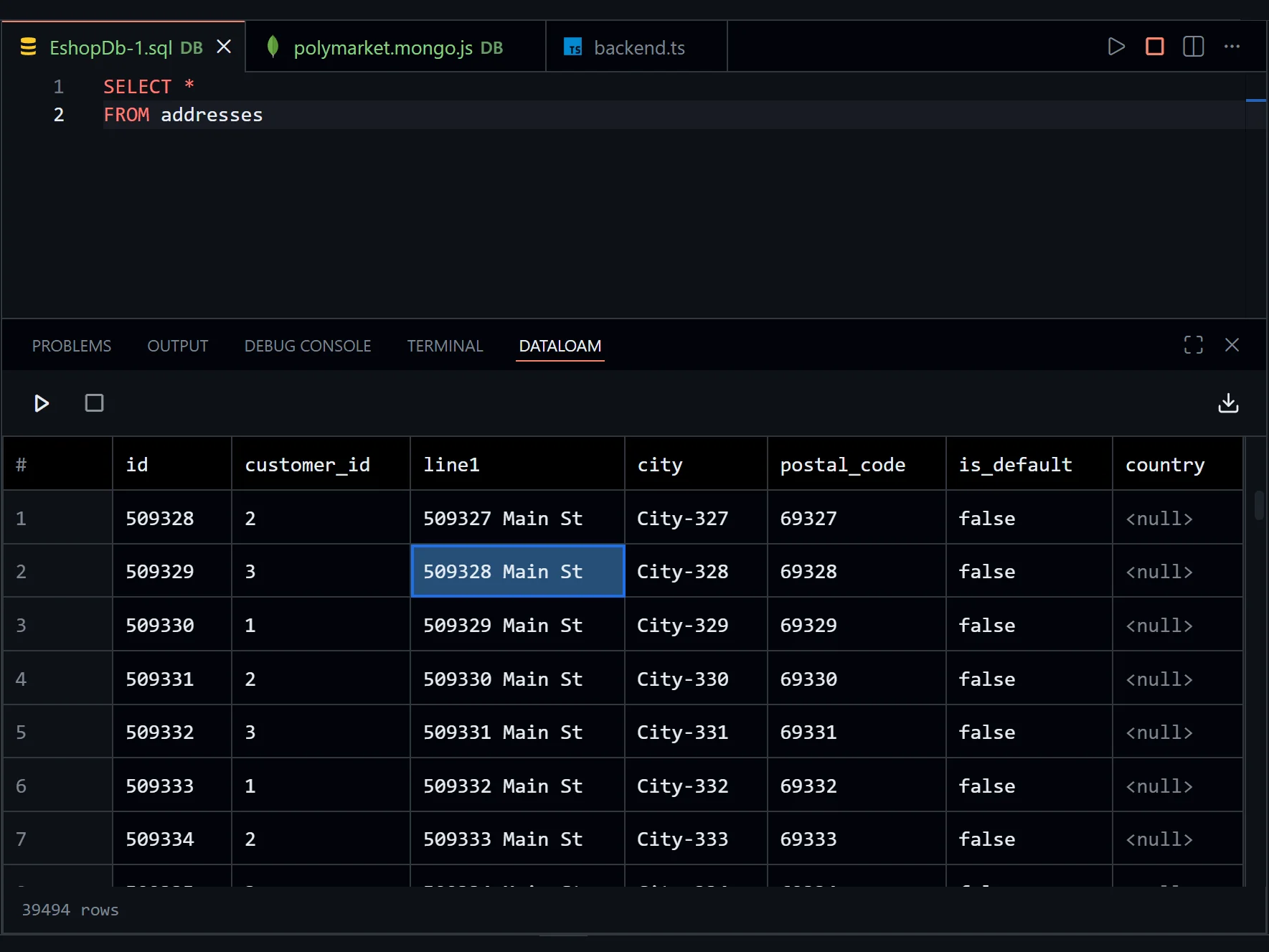
Everyday database work should feel fast, familiar, and predictable from the moment you open the editor.
A database tool that feels clear immediately. Fast to understand, clean to work in, and built for everyday use instead of occasional pain.
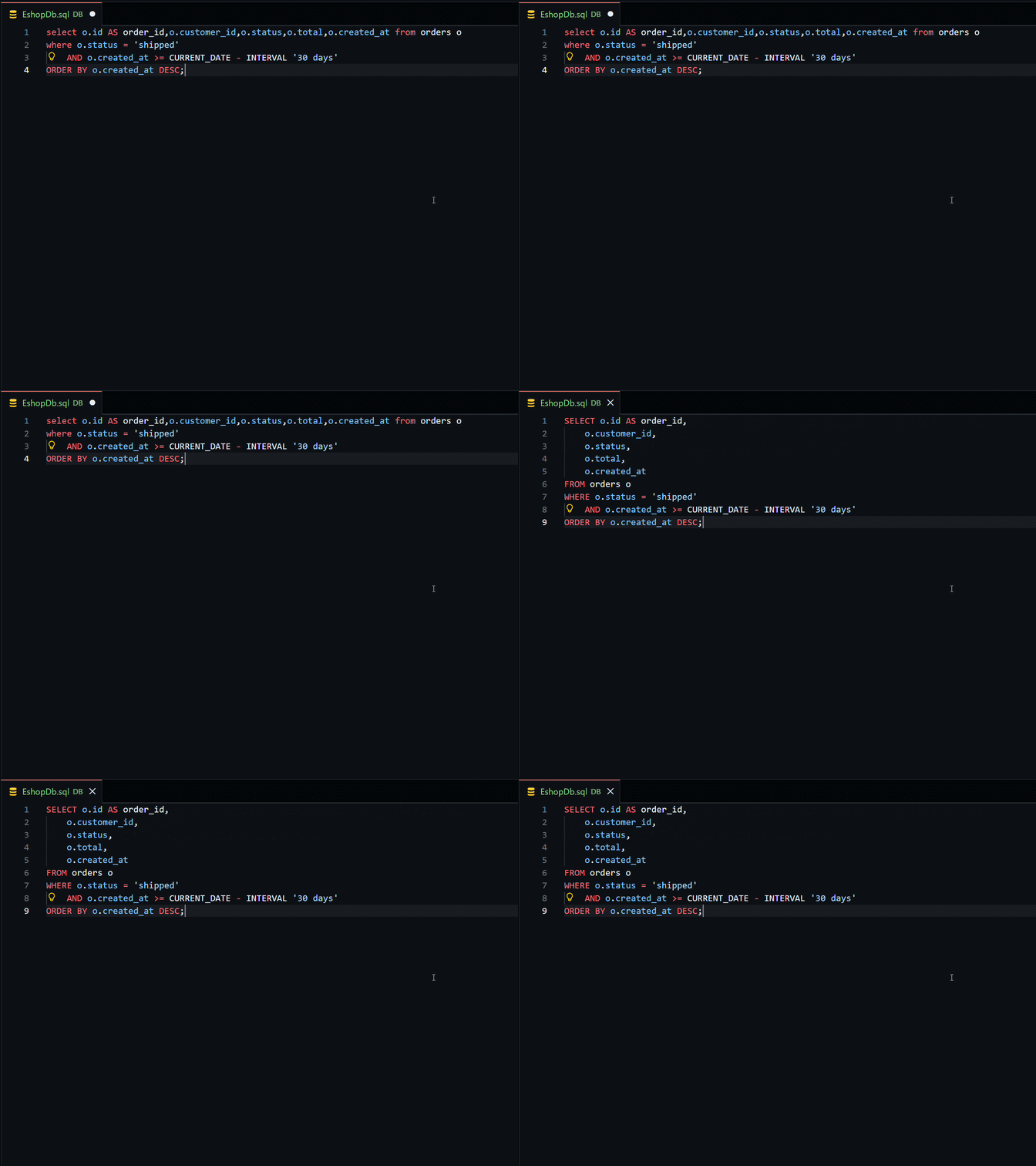
Clean up messy SQL instantly, with indentation and spacing that make complex queries easier to scan, review, and keep editing.
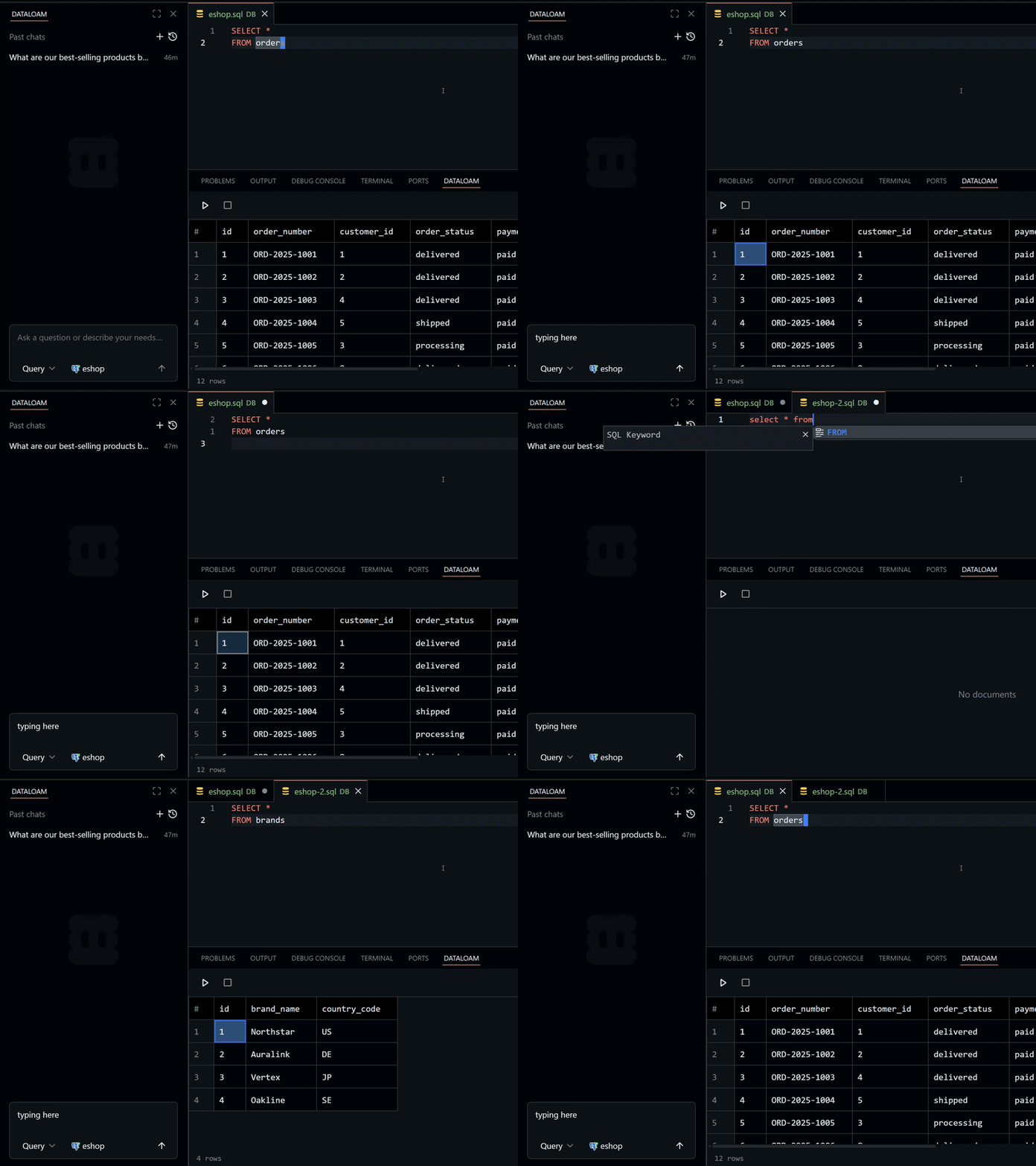
Move through the extension without slowing down, including opening a database directly through a command.
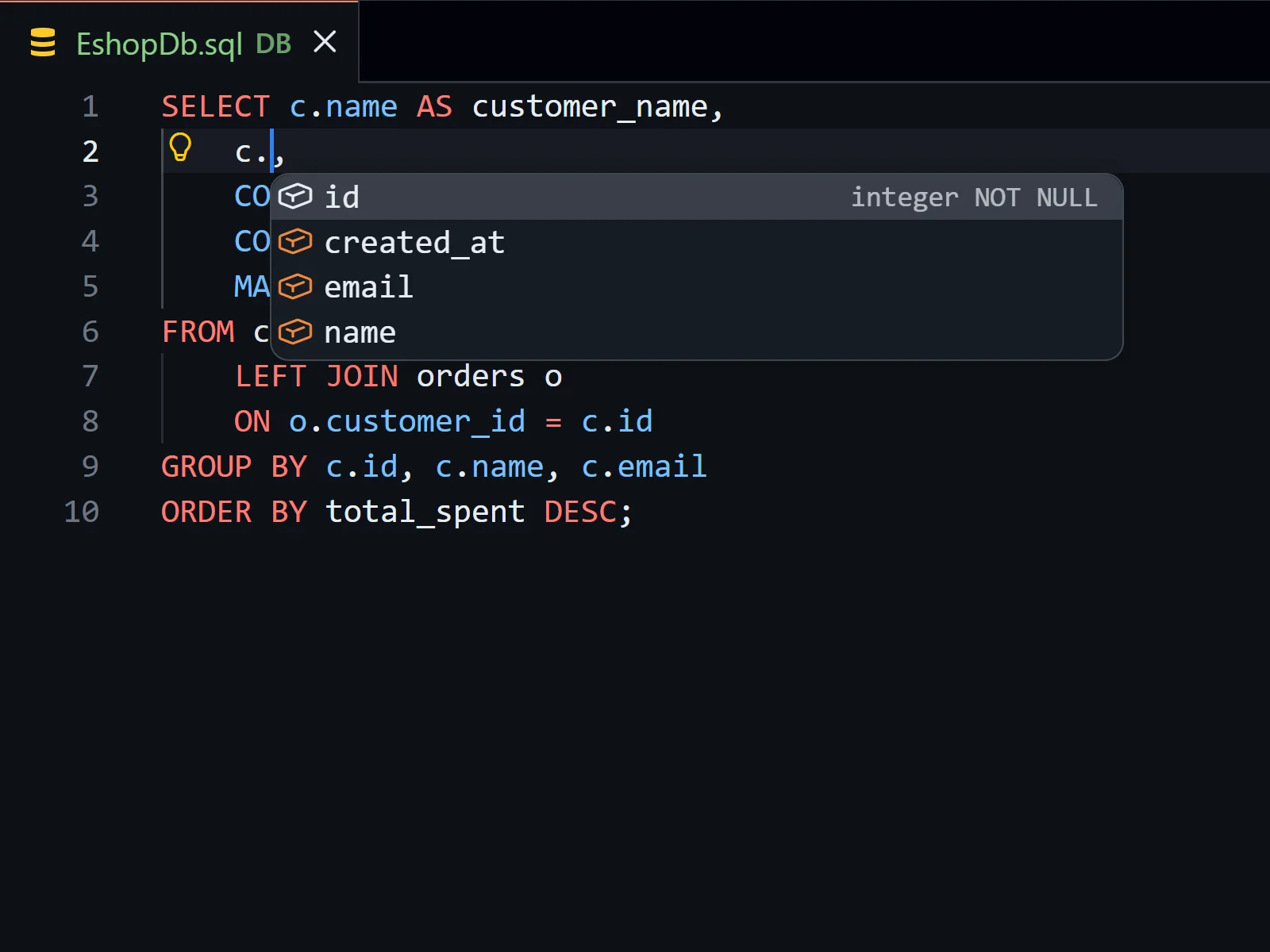
You do not need to remember every column name. Autocomplete, validation, and language tooling help you write SQL with the schema in front of you.

Move through query results with familiar Vim movements, so table navigation stays fast without reaching for the mouse. Everything works as you would expect!
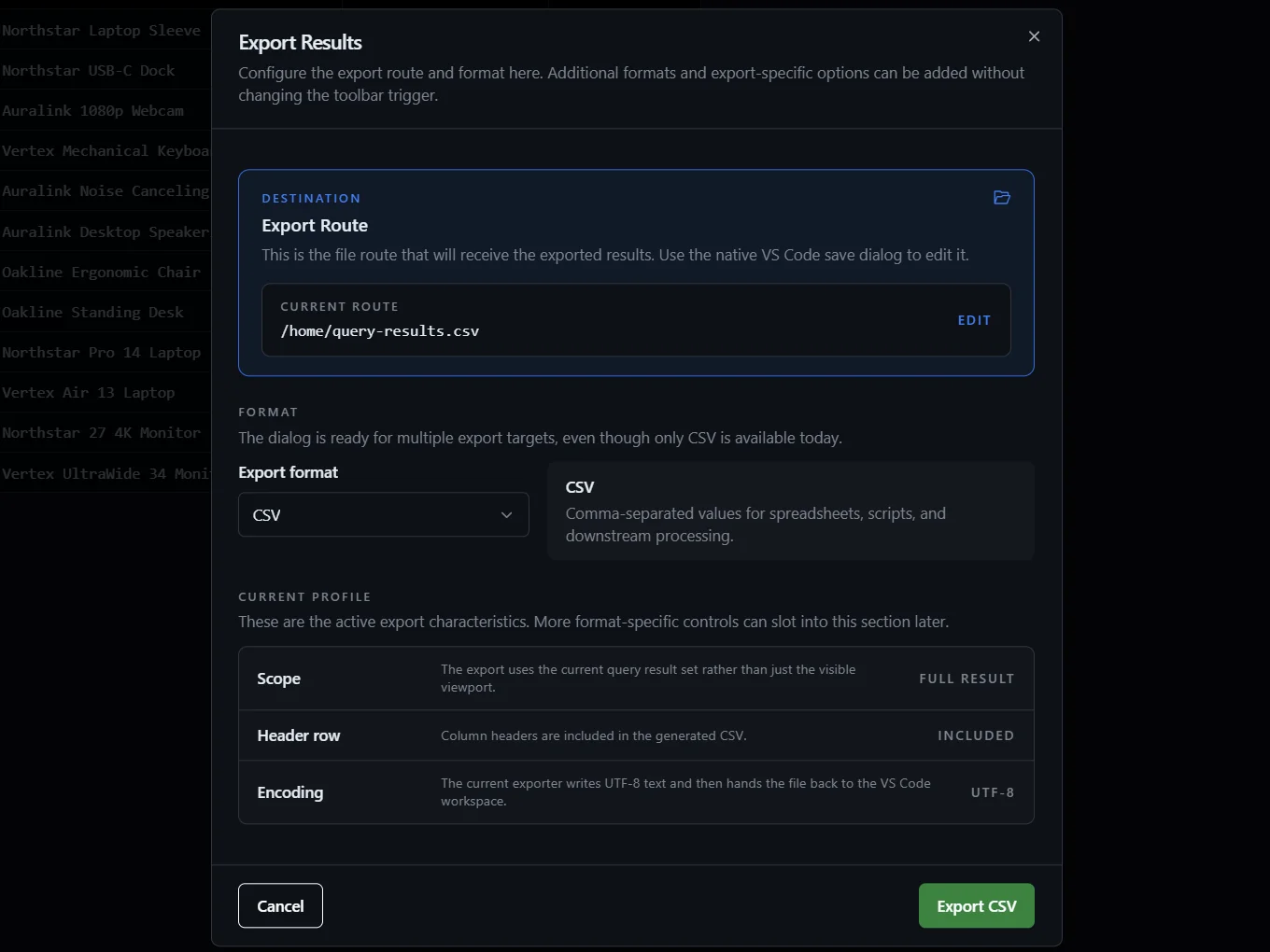
Get result sets out quickly when you need to share, inspect, or continue work elsewhere without awkward extra steps.
Install the extension for free and start working with your databases and AI directly inside the editor you already use.